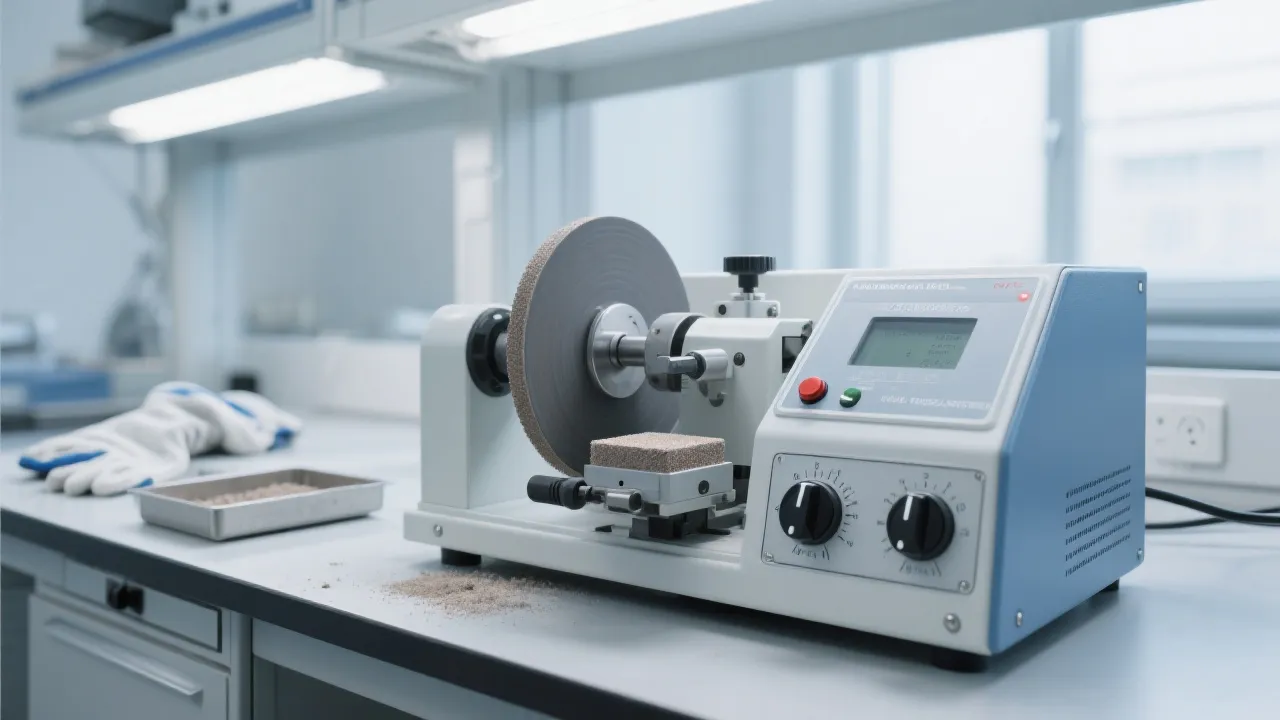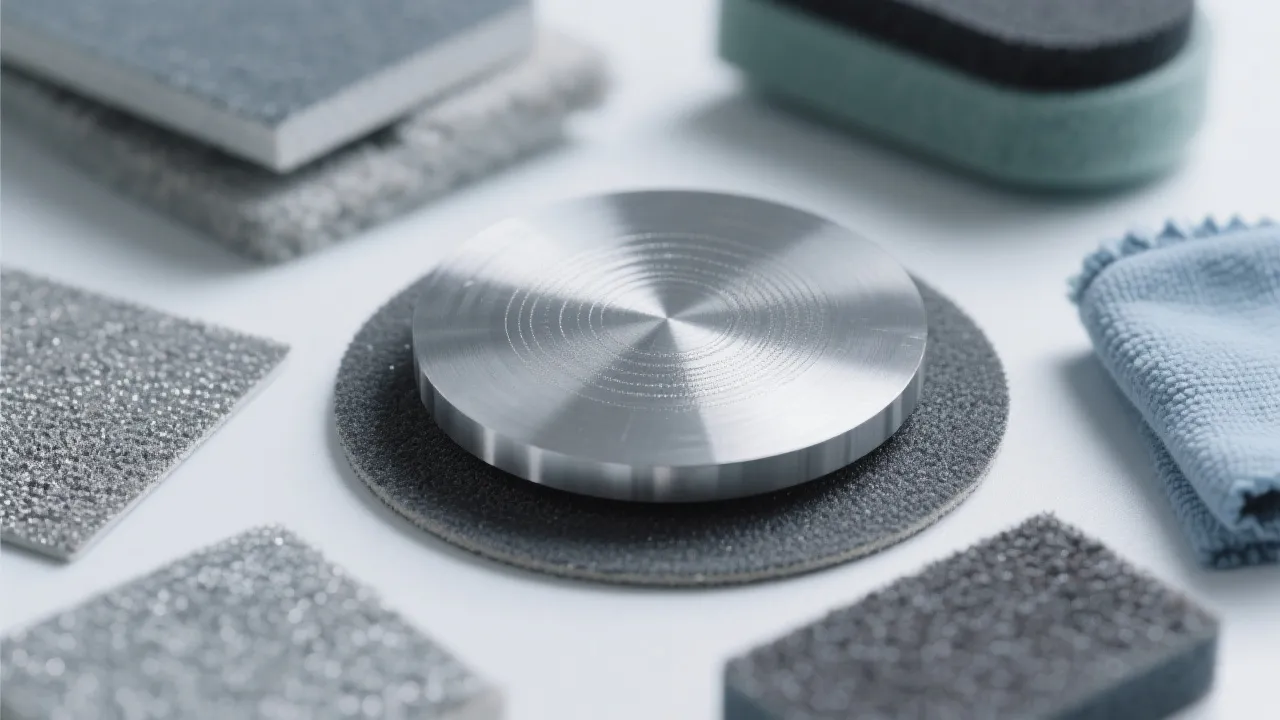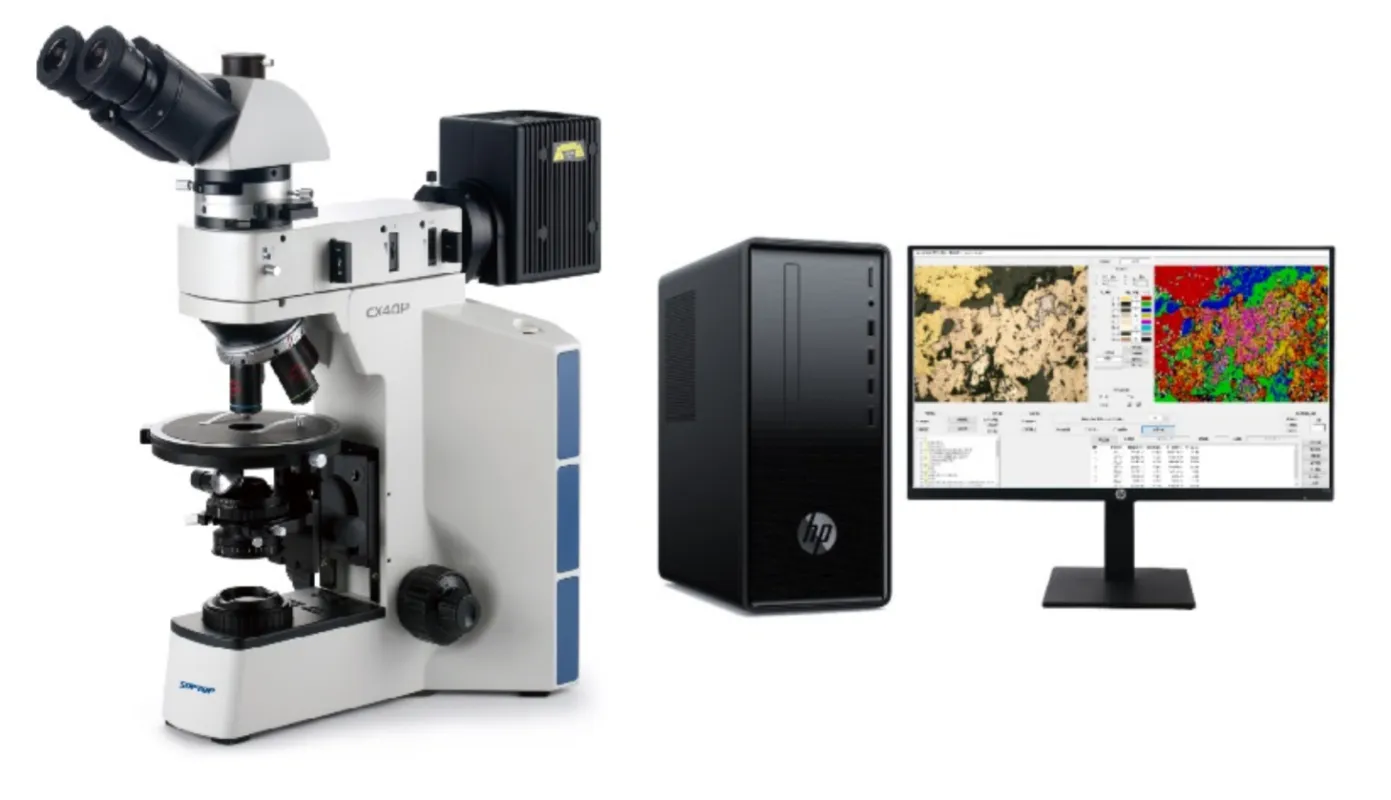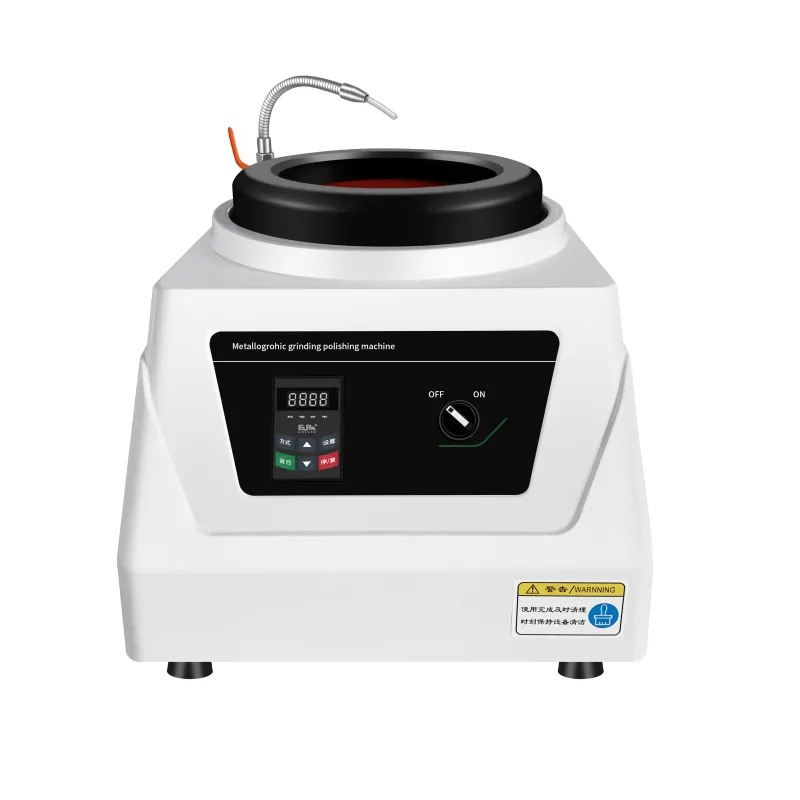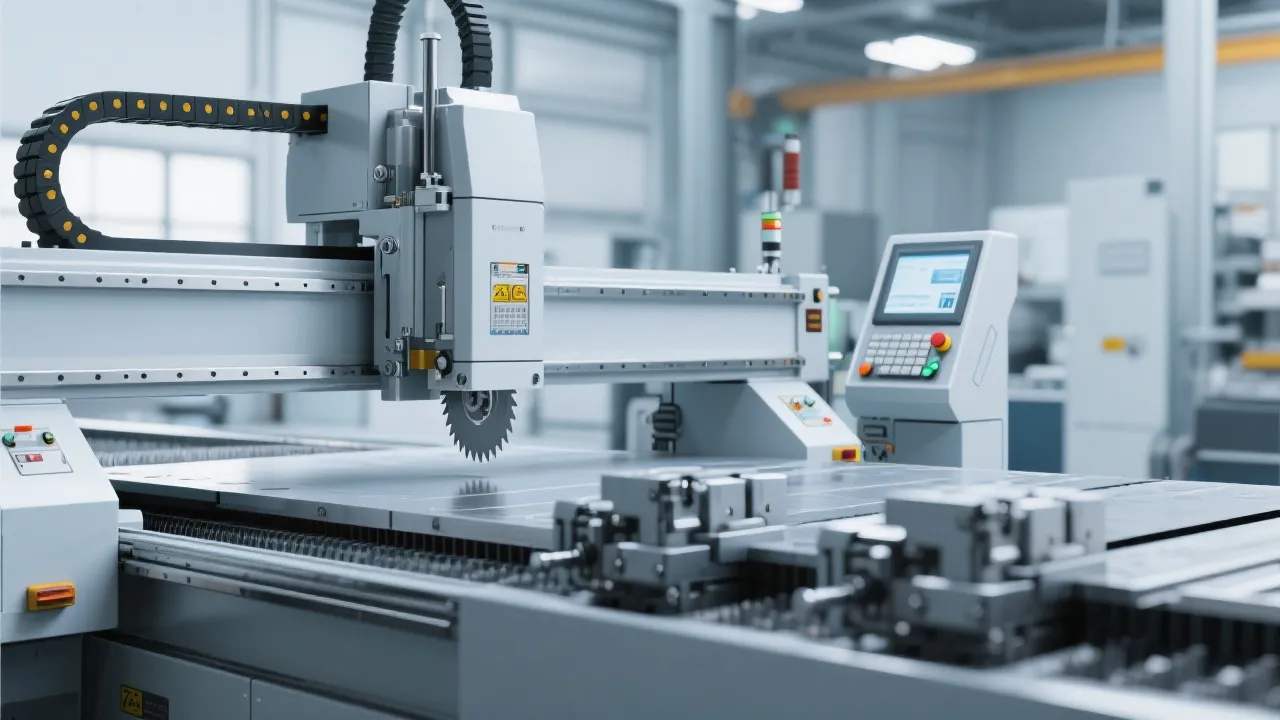
If your gold-standard metallographic samples are showing scratches after polishing, you're not alone. In fact, over 67% of lab technicians report inconsistent results due to unoptimized polishing conditions — often linked to overlooked maintenance or improper setup.
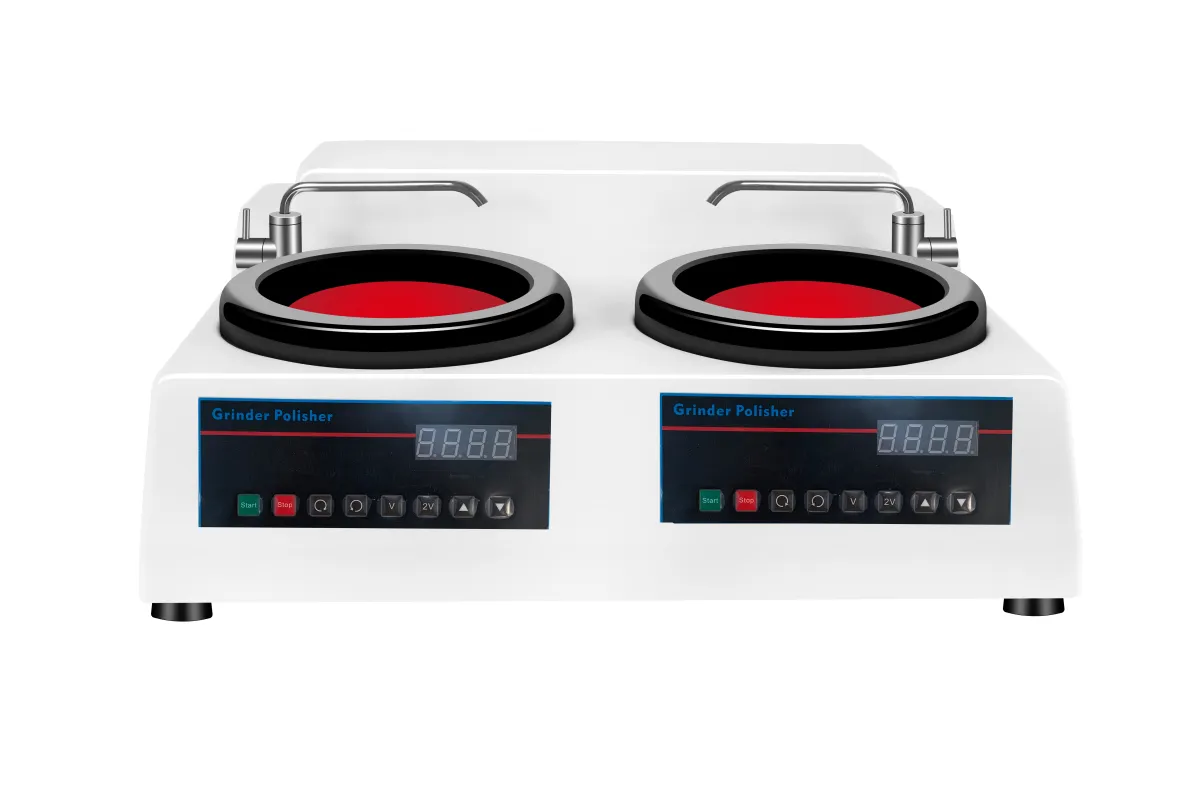
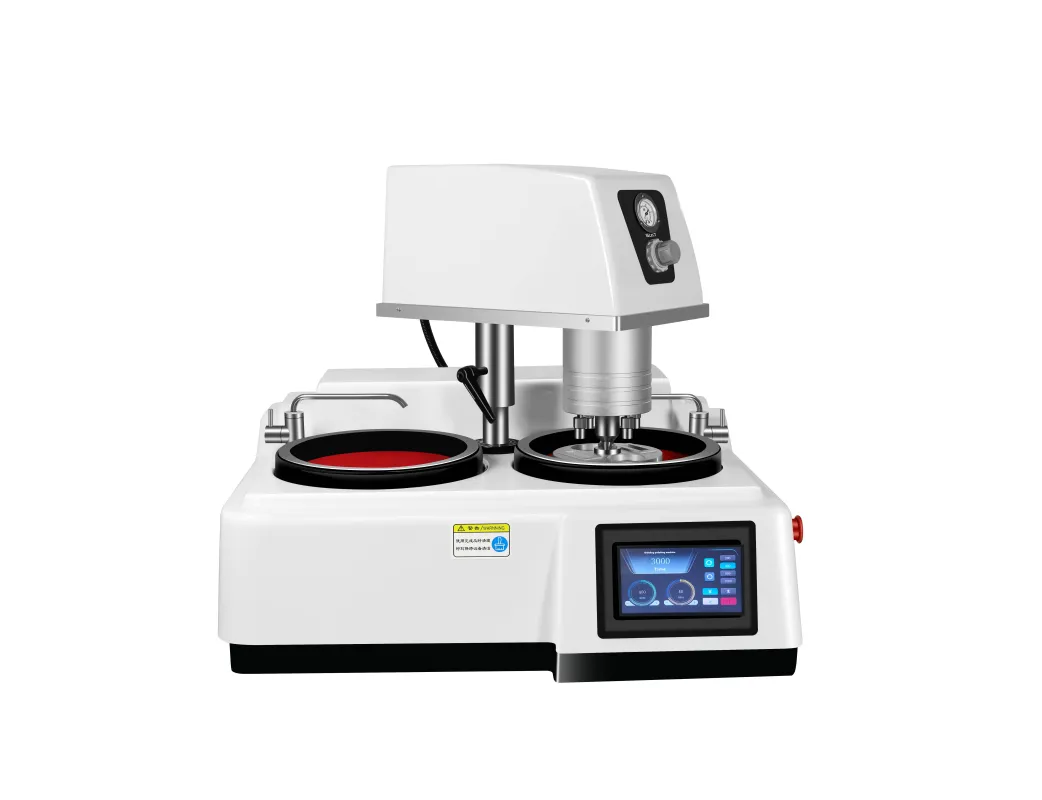
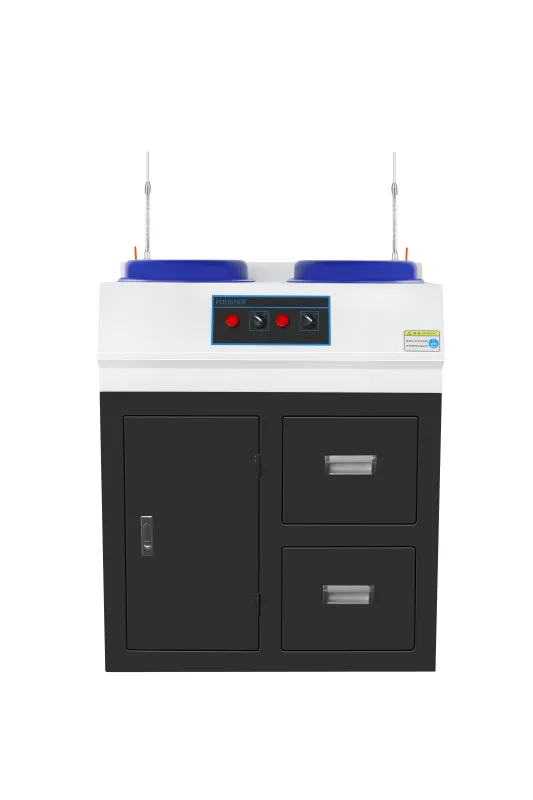
Here’s what we’ve learned from supporting more than 300 labs worldwide using the MP-1B automatic polishing machine. Start by checking these elements in order — it saves time, reduces rework, and boosts confidence in your results.
Step 1: Replace polishing fluid immediately if it appears cloudy or has visible particles. Use only manufacturer-approved solutions.
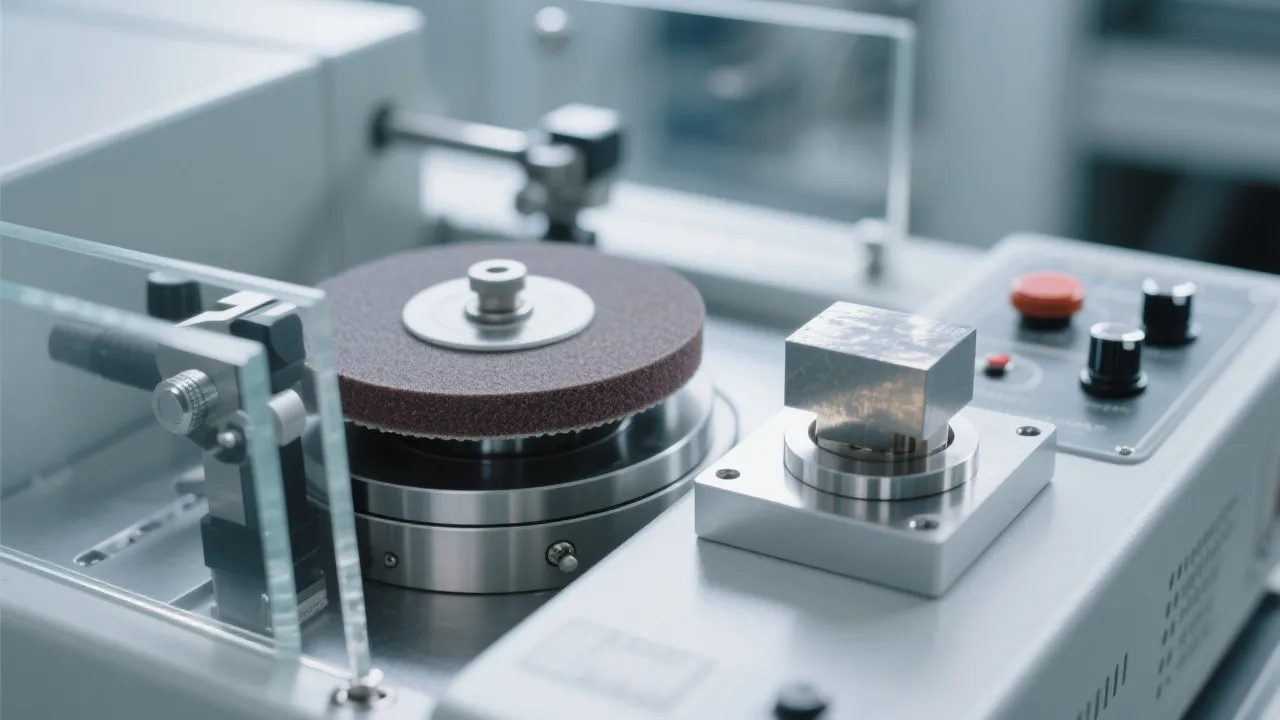
Step 2: Inspect the polishing pad surface — look for discoloration, embedded debris, or uneven wear patterns.
Step 3: Test the motor’s stability at 100–300 RPM — this is where many machines fail silently. The MP-1B’s stepless speed control ensures consistent RPM even at ultra-low settings.
Step 4: Clean the entire polishing chamber weekly with dedicated cleaning agents. Dust accumulation is a silent killer of sample quality.
“After switching to the MP-1B and following our recommended maintenance routine, our QA team cut post-polish inspection time by 40%. No more missed defects.”
— Dr. Lena Müller, Materials Testing Lab, Germany
To extend equipment life and maintain reproducible results, adopt a simple yet effective schedule:
Remember: a well-maintained MP-1B isn’t just about avoiding scratches — it’s about building trust in your data. Whether you’re validating alloy compositions or preparing samples for publication, precision starts here.
Get instant access to our free troubleshooting checklist + video guide for MP-1B users.
Download Now – No Email Required Metallographic sample preparation
MP-2DE Metallographic Polishing Machine
Micro defect analysis
ASTM E3-11 standard
High-performance grinding and polishing
Polishing machine enclosure material
Metallographic specimen polishing equipment durability
Laboratory equipment anti - corrosion solution
FRP enclosure maintenance
Industrial polishing machine corrosion resistance
metallographic grinding machine operation guide
touchscreen metallographic equipment tutorial
four-level constant speed grinding techniques
metallographic sample preparation for beginners
sample grinding process
metallographic sample consistency
grinding and polishing equipment maintenance
metallographic preparation standardization
sample preparation repeatability improvement
laboratory equipment stability
metallographic polishing scratch troubleshooting
gold sample preparation
MP-1B polishing machine
lab sample quality control
polishing process optimization
Metallographic sample preparation
MP-2DE Metallographic Polishing Machine
Micro defect analysis
ASTM E3-11 standard
High-performance grinding and polishing
Polishing machine enclosure material
Metallographic specimen polishing equipment durability
Laboratory equipment anti - corrosion solution
FRP enclosure maintenance
Industrial polishing machine corrosion resistance
metallographic grinding machine operation guide
touchscreen metallographic equipment tutorial
four-level constant speed grinding techniques
metallographic sample preparation for beginners
sample grinding process
metallographic sample consistency
grinding and polishing equipment maintenance
metallographic preparation standardization
sample preparation repeatability improvement
laboratory equipment stability
metallographic polishing scratch troubleshooting
gold sample preparation
MP-1B polishing machine
lab sample quality control
polishing process optimization