If you're a lab technician or quality control engineer working with metallographic samples, you know how frustrating it is when scratches appear after polishing—especially if they compromise your microstructure analysis. According to industry surveys, over 65% of labs report at least one polishing-related defect per week due to improper process control.
Scratches typically manifest as linear or circular marks on polished surfaces, often appearing under magnification (e.g., 100x–500x). These imperfections can distort grain boundaries, mask phase distributions, and lead to inaccurate hardness testing or failure in compliance audits like ISO 3785 or ASTM E3. In some cases, entire sample batches must be re-prepared—a waste of time and materials.
Start by ruling out common culprits:
“The key isn’t just fixing the scratch—it’s preventing its recurrence. That starts with process consistency.” — Dr. Lena Zhang, Materials Science Consultant
Follow this proven sequence:
Many users overlook the role of environmental factors—dust particles in the air or humidity changes can also introduce micro-scratches. Keep your polishing area clean, dry, and temperature-controlled (ideally 20–25°C).
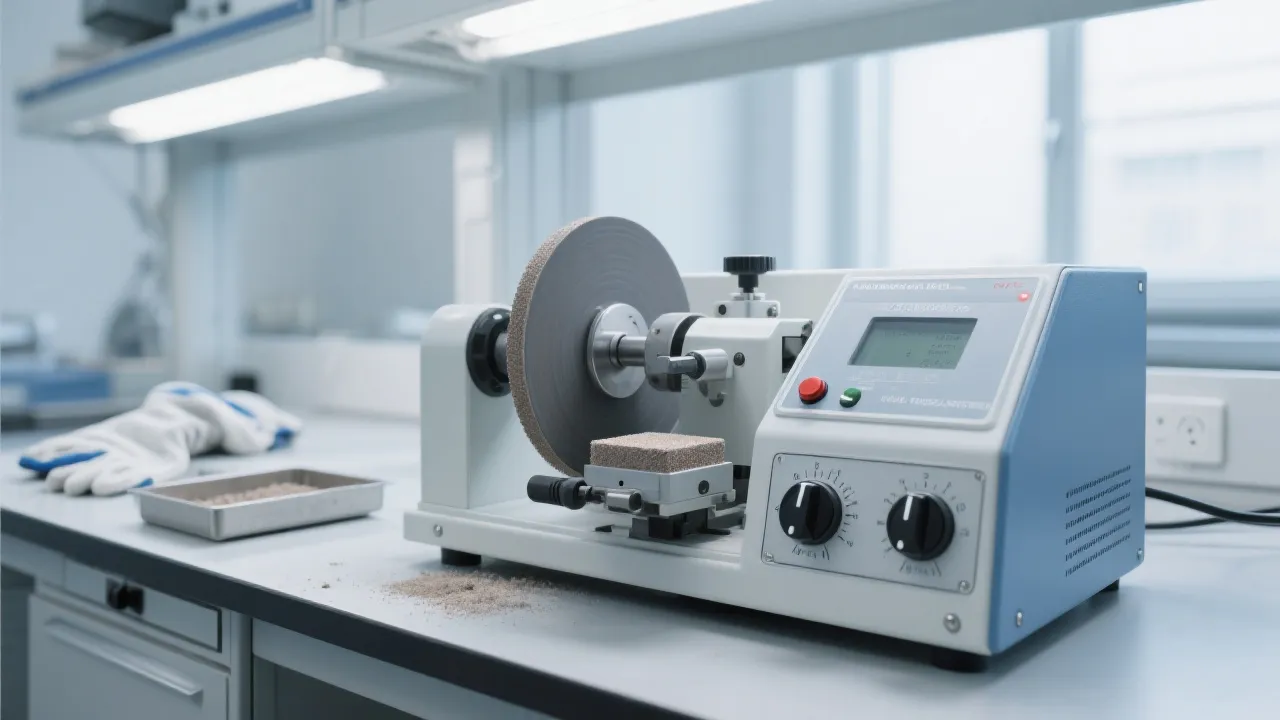
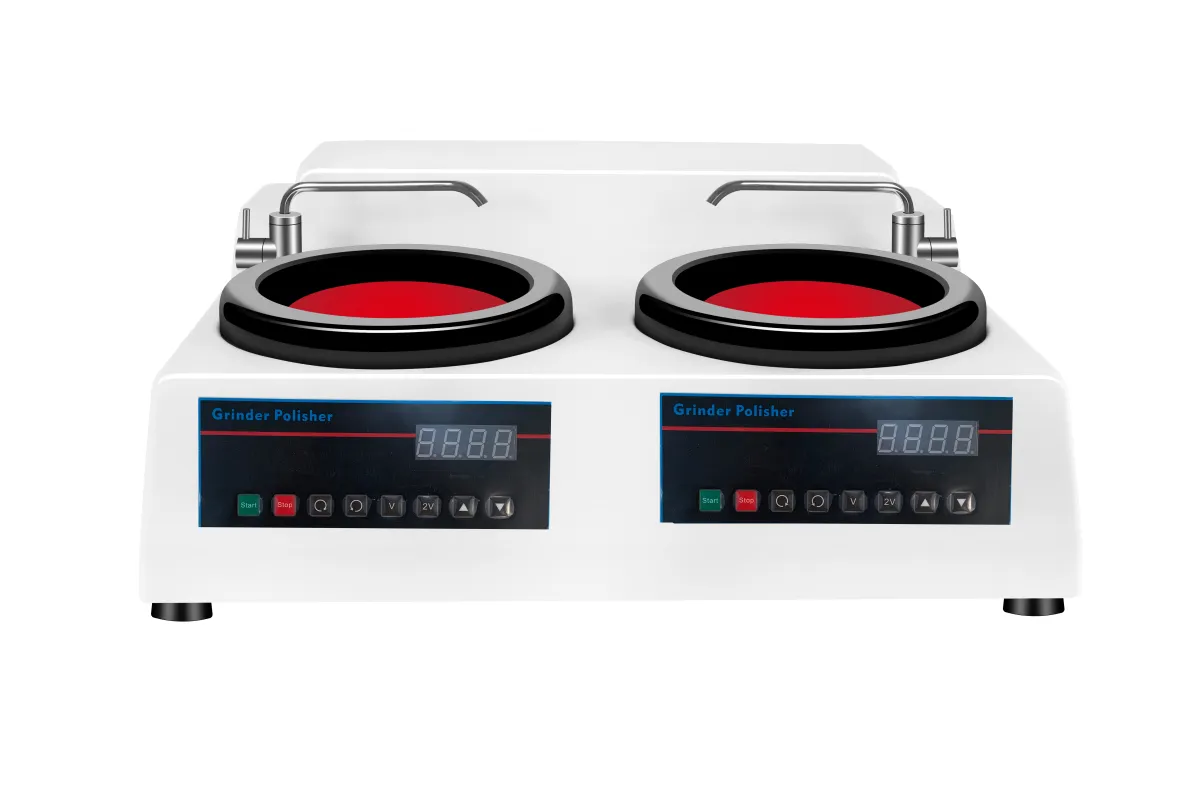
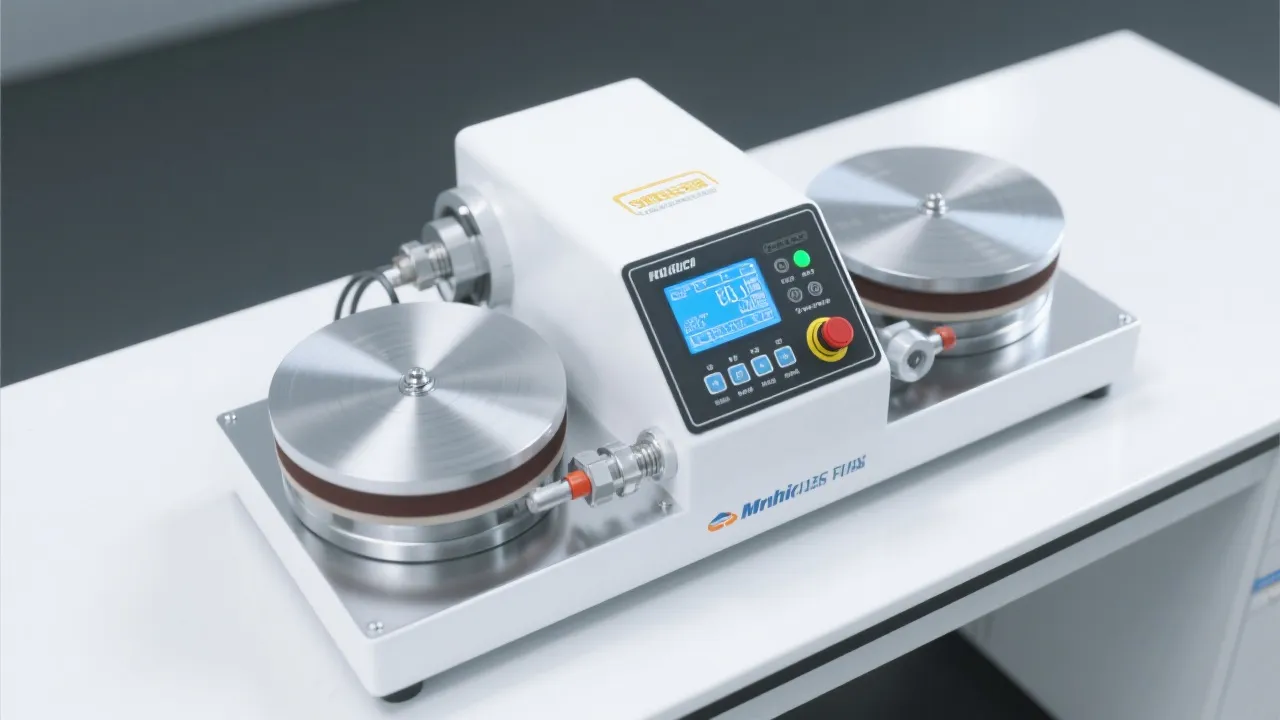
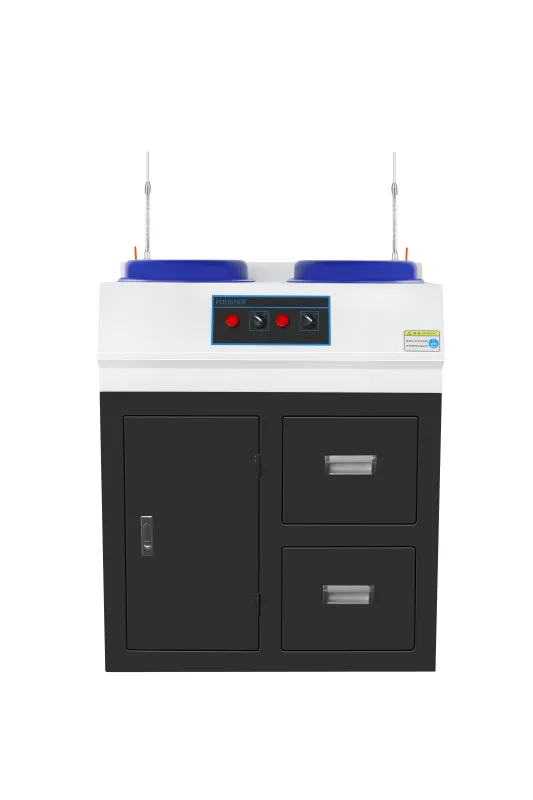
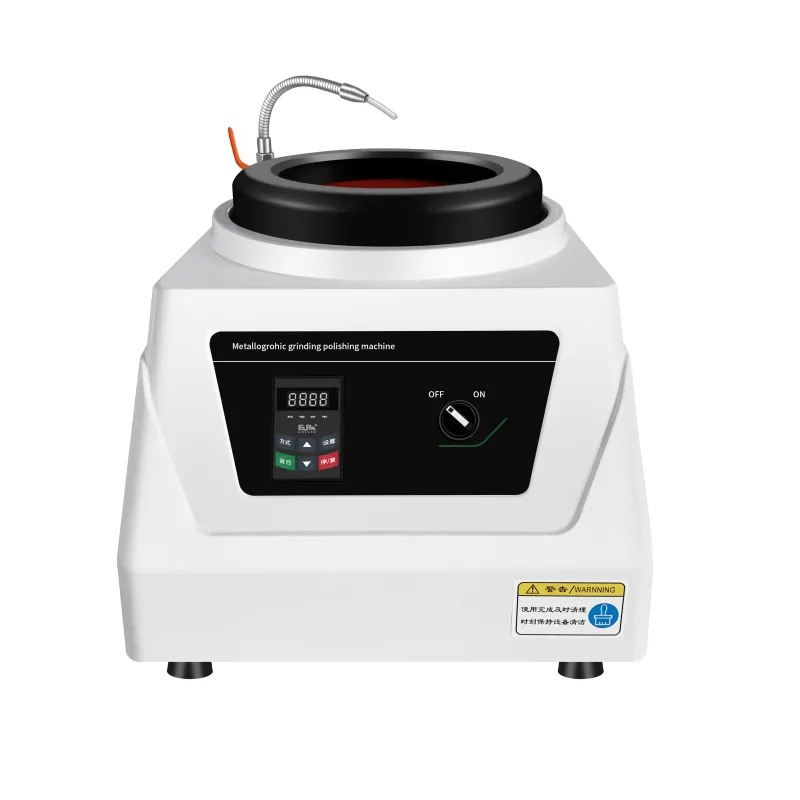
The MP-1B metallographic polishing machine offers real advantages that reduce these risks:
Studies show labs using machines with stable RPM control see up to 40% fewer surface defects compared to older models with fixed speeds.
Implement a weekly maintenance checklist:
Remember: high-quality samples aren’t just about aesthetics—they’re essential for reliable data, reproducible results, and meeting international standards in R&D and manufacturing.
 P-2G high-speed double-disc polisher
standardized metal sample polishing
low-noise polishing equipment
ASTM ISO polishing standards
metal sample surface flatness
polishing machine housing material
corrosion-resistant lab equipment
fiberglass reinforced plastic for industrial machines
metallographic polishing equipment durability
lab equipment maintenance best practices
Polishing machine enclosure material
Durability of metallographic specimen polishing equipment
Laboratory equipment anti - corrosion solutions
FRP polishing machine enclosure
Durability of industrial testing equipment
polishing machine enclosure material
metallography equipment durability
fiberglass vs stainless steel
lab equipment corrosion resistance
industrial polishing machine materials
grinding polishing machine maintenance
laboratory equipment care
extend equipment lifespan
variable speed system calibration
durable polishing machine upkeep
P-2G high-speed double-disc polisher
standardized metal sample polishing
low-noise polishing equipment
ASTM ISO polishing standards
metal sample surface flatness
polishing machine housing material
corrosion-resistant lab equipment
fiberglass reinforced plastic for industrial machines
metallographic polishing equipment durability
lab equipment maintenance best practices
Polishing machine enclosure material
Durability of metallographic specimen polishing equipment
Laboratory equipment anti - corrosion solutions
FRP polishing machine enclosure
Durability of industrial testing equipment
polishing machine enclosure material
metallography equipment durability
fiberglass vs stainless steel
lab equipment corrosion resistance
industrial polishing machine materials
grinding polishing machine maintenance
laboratory equipment care
extend equipment lifespan
variable speed system calibration
durable polishing machine upkeep